
Look, if you’re already running Meshtastic nodes in your truck, bug-out bag, or attic antenna setup, you know it’s the real deal for ham-radio-level comms without the license hassle or cell towers. This little LoRa-powered gadget is pure survival gold—texting, position sharing, and mesh networking that laughs at grid-down scenarios. But for a serious group (think your hunting buddies, family team, or neighborhood watch), basic texting is just the starting line.
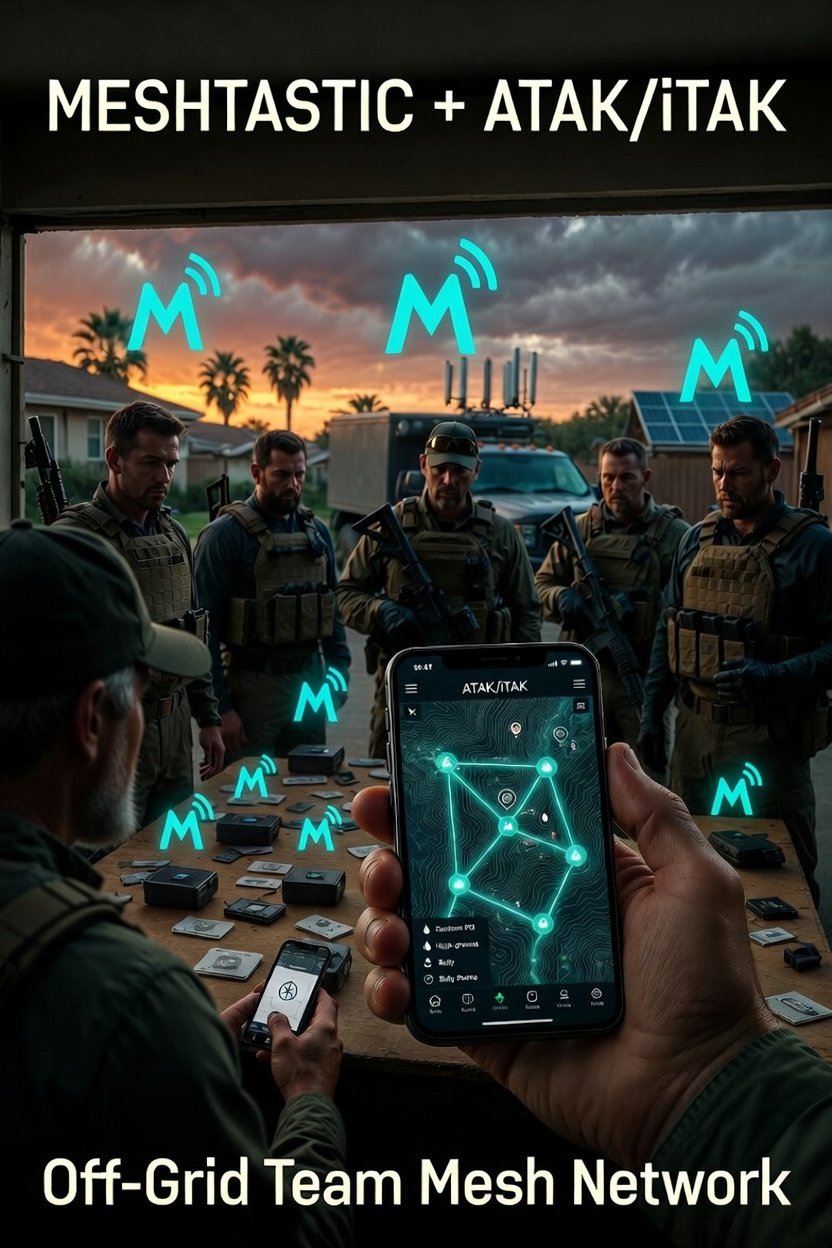
We’re taking it to the next level with ATAK/iTAK integration—the same Android Team Awareness Kit (or iTAK for iPhone) that special ops and emergency teams use. This turns your phones into a shared tactical map where everyone sees real-time positions, POIs, and intel without a single bar of service. No internet. No subscriptions. Just your mesh doing the heavy lifting.
Here’s the exact 4-step playbook to get your crew locked and loaded. We’ll keep it dead simple, with the exact videos you need. This is the stuff that separates weekend preppers from the guys who actually stay connected when everything else goes dark.
Step 1: Install ATAK (Android) or iTAK (iPhone) on Your Phone This is the brain of the operation. ATAK/iTAK gives you a military-grade mapping and coordination app that plugs straight into Meshtastic.
- Android users: Grab the free ATAK app from the Google Play Store or sideload the latest from the official TAK.gov site.
- iPhone users: Yes, it’s fully supported—download iTAK from the App Store. Same powerful interface, just optimized for iOS.
Once installed, you’ll have a blank canvas ready for offline maps, symbols, and live team tracking. Fire it up and get familiar with the interface before you add the mesh layer.
Step 2: Connect Meshtastic to Share Messages and Positions Without the Internet Now hook your Meshtastic nodes (those little card-sized devices or WisBlock builds you already love) directly into ATAK/iTAK. This is where the magic happens—your group starts sharing encrypted texts, GPS pings, and status updates over the mesh.
Follow this exact install and pairing video (it walks you through the Bluetooth connection and plugin setup in under 10 minutes): Watch: How to Install Meshtastic and Connect to ATAK/iTAK
Pro tip: Test it in your backyard or on a fishing trip first. One guy drops a node on a ridge, everyone else stays in camp—boom, you’ve got live comms and positions. Perfect for hunting parties or convoy security.
Step 3: Download Offline Maps So You’re Never Flying Blind ATAK/iTAK shines when you preload real maps—no cell signal required. Grab topo maps, street layers, flood zones, or your custom QGIS exports from the book. Add symbols for strategic POIs: water sources, cached supplies, high-ground observation posts, or even pre-mapped medicinal plants and game trails.
Your whole team can collaborate on this—designate one guy for the map layer, another for resource POIs. Suddenly your mesh isn’t just chat; it’s a living tactical overlay showing exactly where the group’s resources and escape routes sit.
Here’s the quick video on adding maps (works the same for both Android and iOS versions): Watch: How to Add Offline Maps to ATAK/iTAK
Step 4: Create a Dedicated Communication Group That Switches Seamlessly Between Internet and Meshtastic This is the group-level killer feature. Build a shared “team” inside ATAK/iTAK that uses normal internet when it’s up (fast data, images, voice notes) but instantly falls back to pure Meshtastic when the grid drops. One tap and the whole crew is on the same encrypted mesh channel.
Set it up once, and your group has hybrid comms for day-to-day range days, fishing trips, or full SHTF bug-out scenarios.
Exact walkthrough here: Watch: How to Create a Communication Group in ATAK/iTAK with Meshtastic Fallback
Now your crew can pre-map an area together—drop pins for rally points, medical caches, or fallback routes. One guy scouts with his drone and Meshtastic node, uploads the intel, and everyone sees it live. That’s the kind of quiet competence that keeps you ahead when others are guessing.
This setup costs almost nothing extra if you already have Meshtastic nodes and phones. It’s rugged, field-tested, and scales from a four-man hunting crew to a full neighborhood mutual-aid group. Pair it with your PACE plan, ham backup, and those family drills we keep hammering on, and you’ve got comms that actually survive the storm.
Gear up, test it this weekend, and turn your mesh from “nice gadget” into the backbone of your preparedness team. Drop a comment if you’ve already got ATAK running—let’s hear what POIs you’re mapping first.