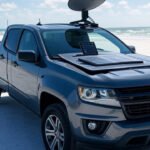

This is a cool project to have some backup in case of no internet, it’s great for hurricane season, power/service outages or of you need a quick deployment internet stand alone solution. The Standby mode only costs $5 a month (As of May 26, 2026) and gives you 500kbps (very slow speed) but unlimited data, what is enough to send emails, WhatsApp messages and make data phone calls.
Affiliate links below:
List of items:
- Starlink Mini – $ 199 Link
- Tripod $ 35 Link
- 16ft USB-C Cable $ 25 Link
- Ecoflow River 2 Pro 768Wh $ 360 Link
- 100W Foldable Solar Panel $ 85 Link
- Solar Panel Cable Connector Kit $10 Link
- Solar Panel Connector 2 to 1 Solar $ 10 Link
- Solar to XT60 Charge Extension Cable $50 Link
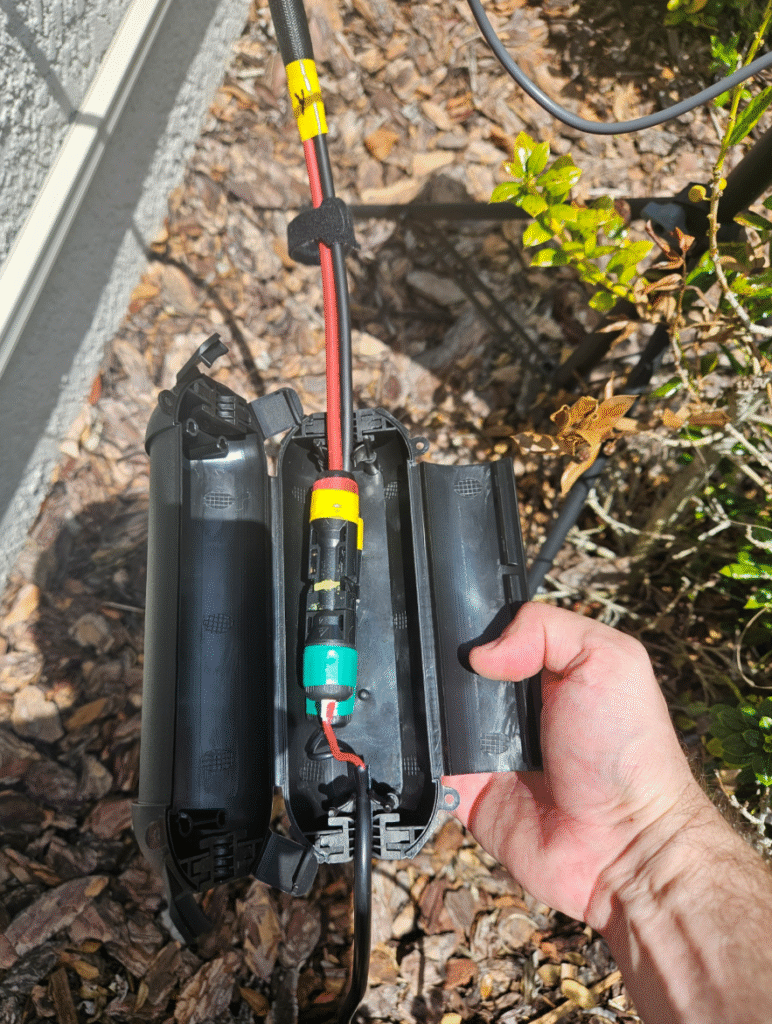
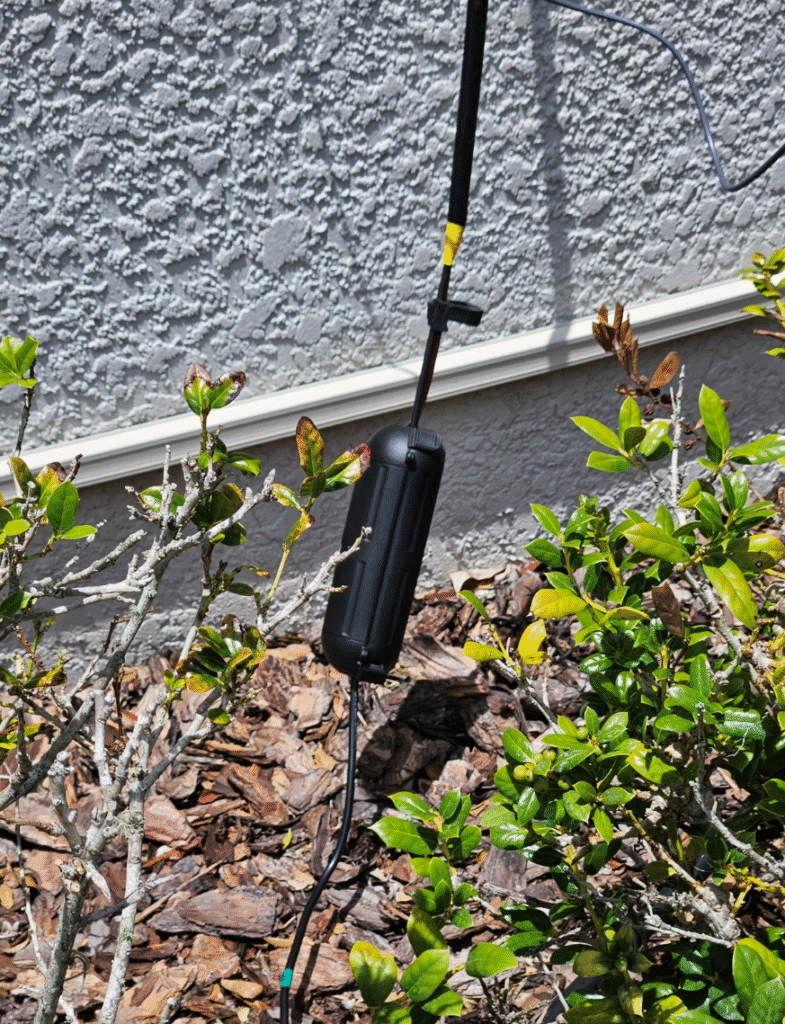
- Outdoor Extension Cord Safety Cover $10 Link
- Portable WiFi Travel Router $40 Link
- Case for Travel Routers $20 Link
- Weather Stripping Door Seal 1 Inch W x 1 Inch $15 Link or Just use a dollar store pool noodle
TOTAL Material: ~$850
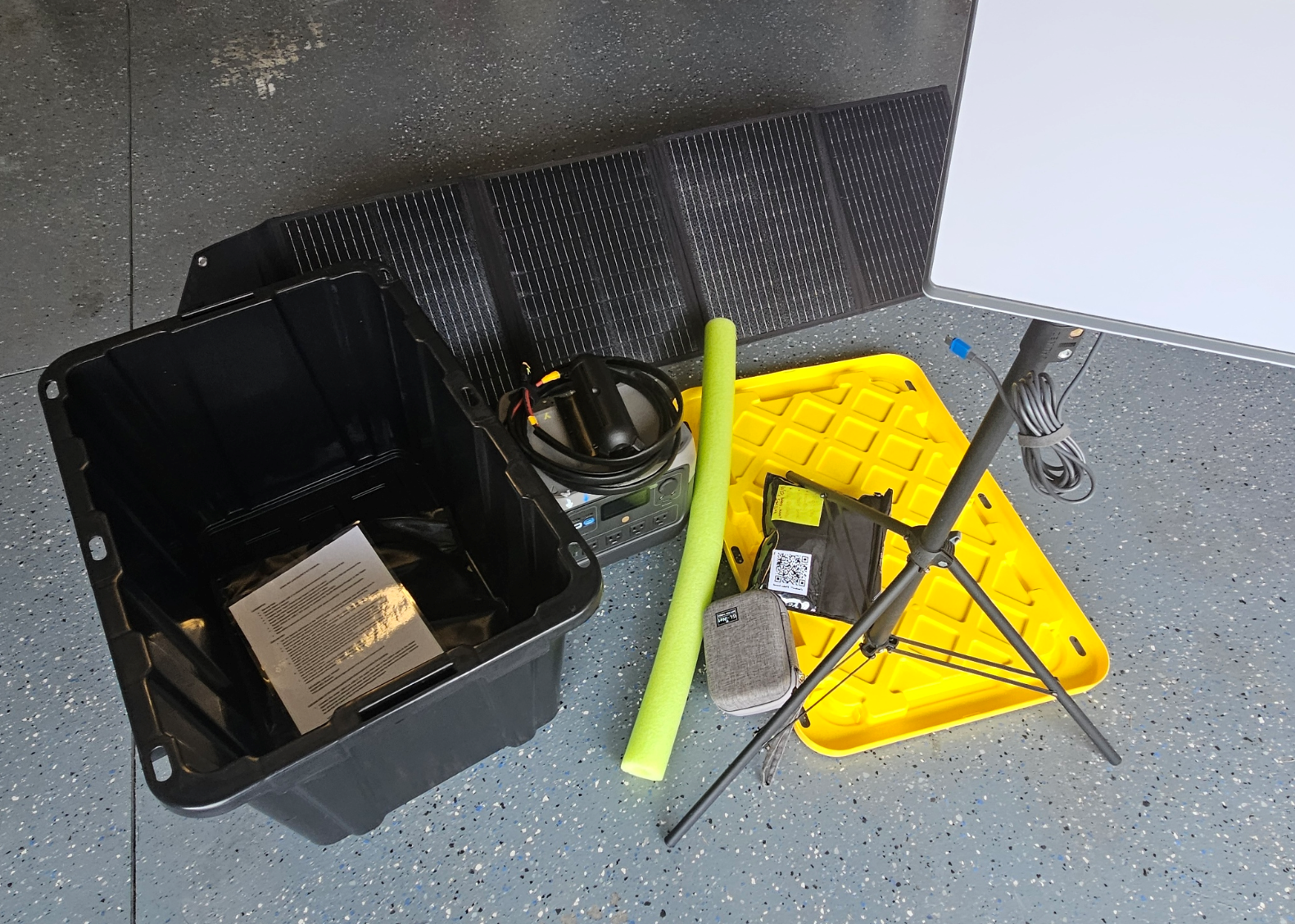
All fit in a storage bin:
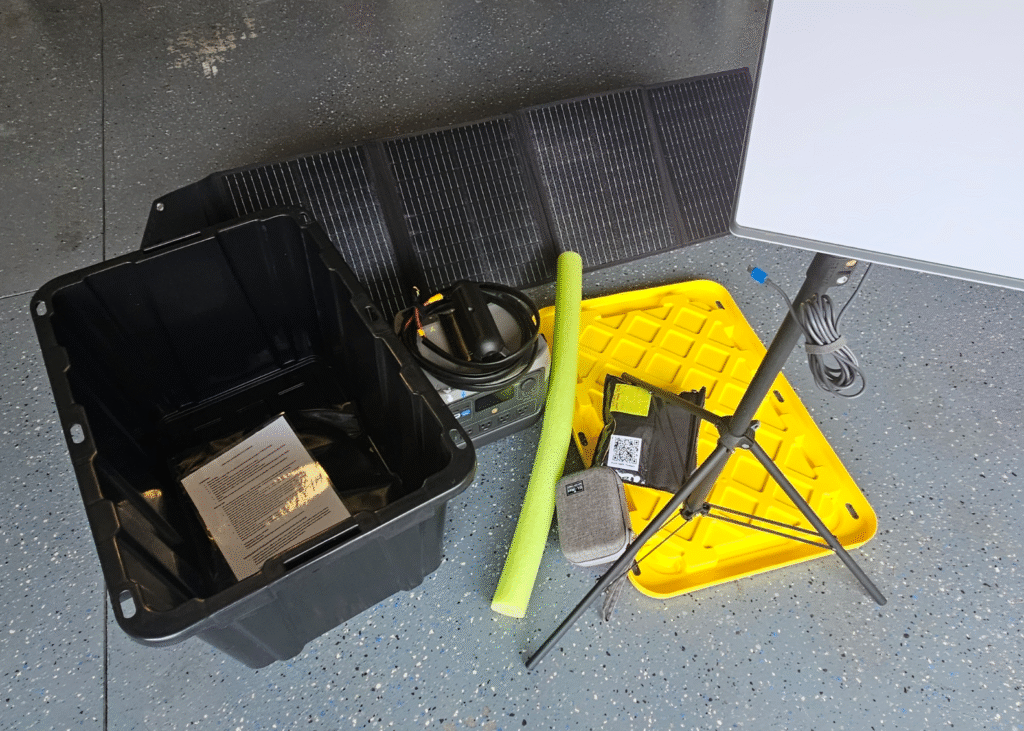
Let’s do it!
Step-by-step
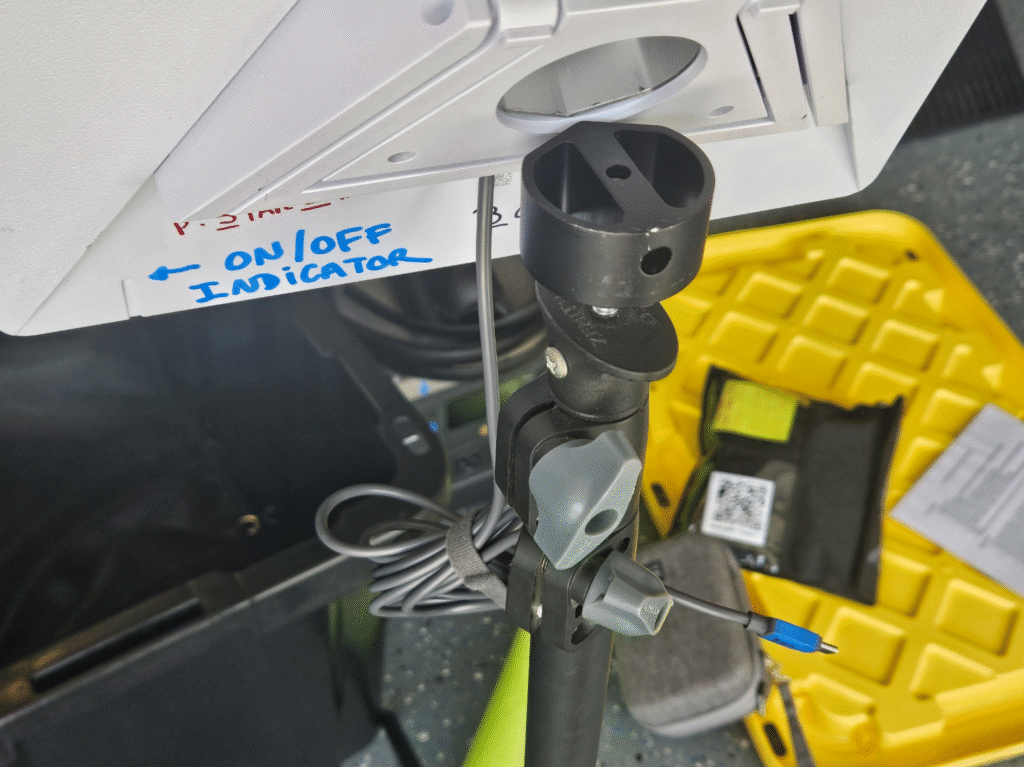
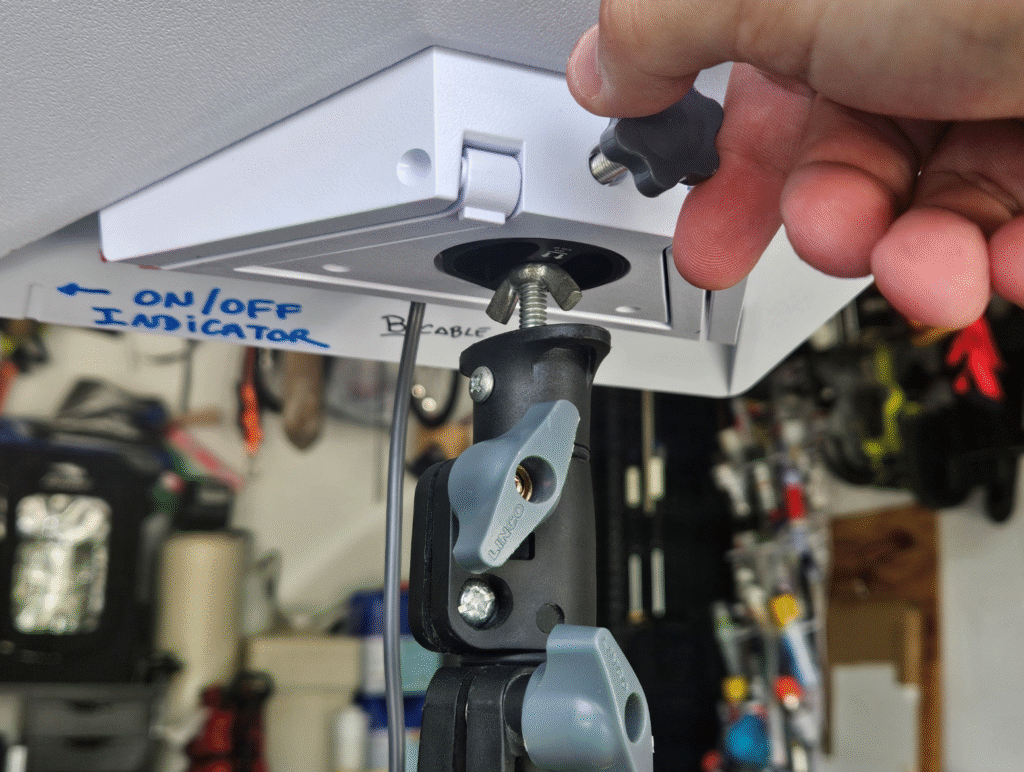
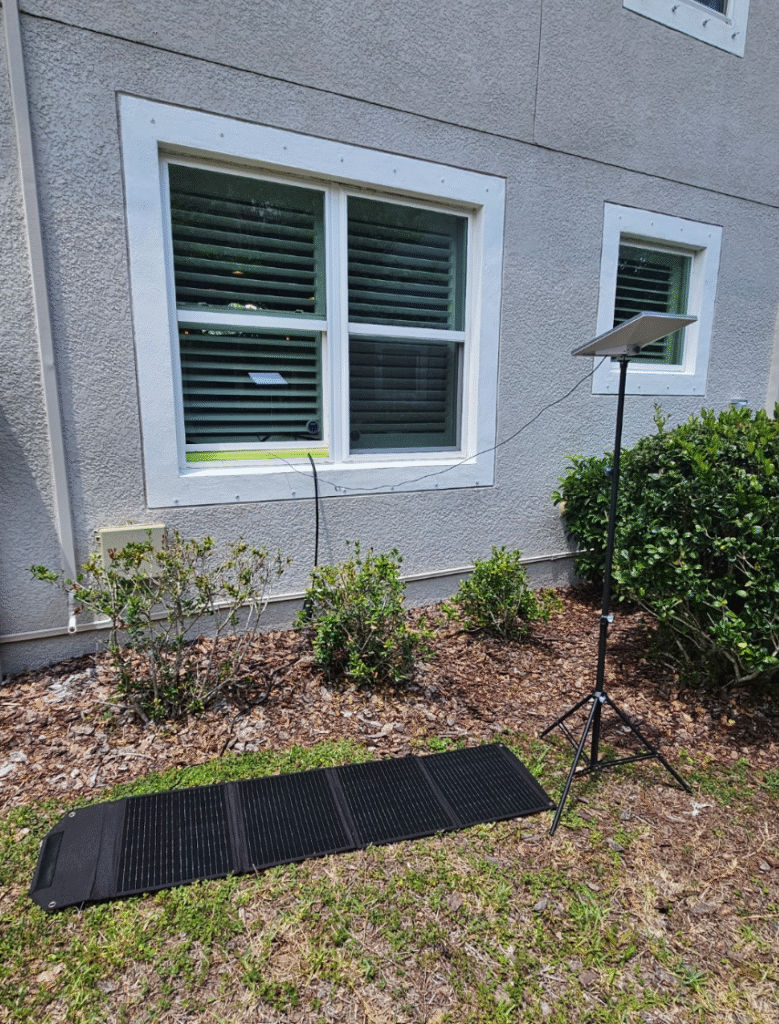
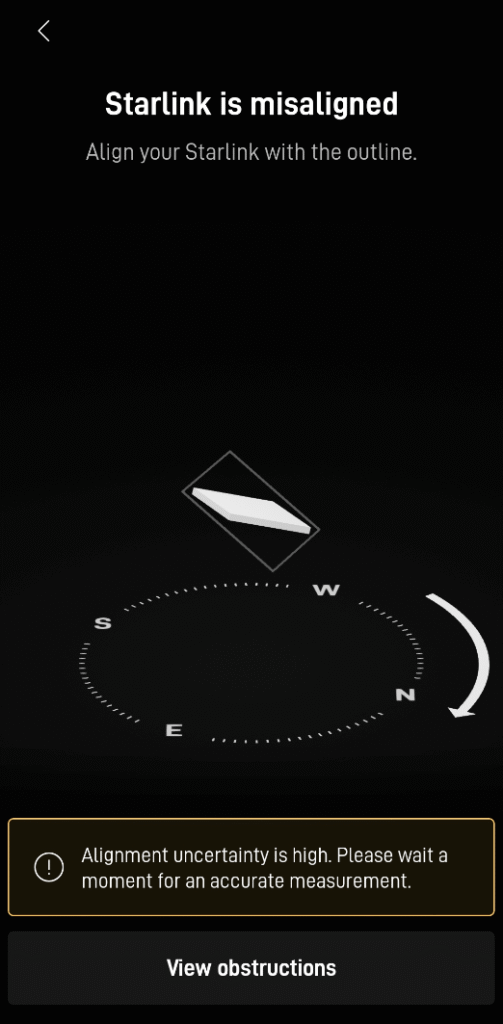
Set the Starlink ANTENNA in the TRIPOD in the previously selected area and make sure to point out the dish to North as close as possible to North with a clear view of the sky.
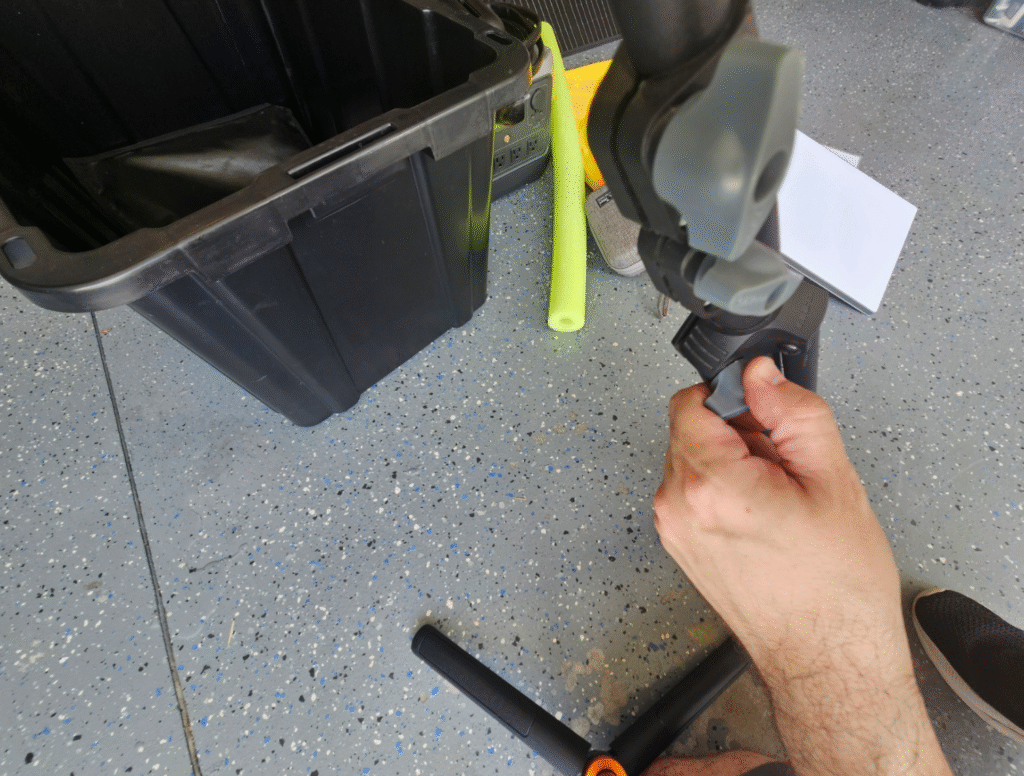
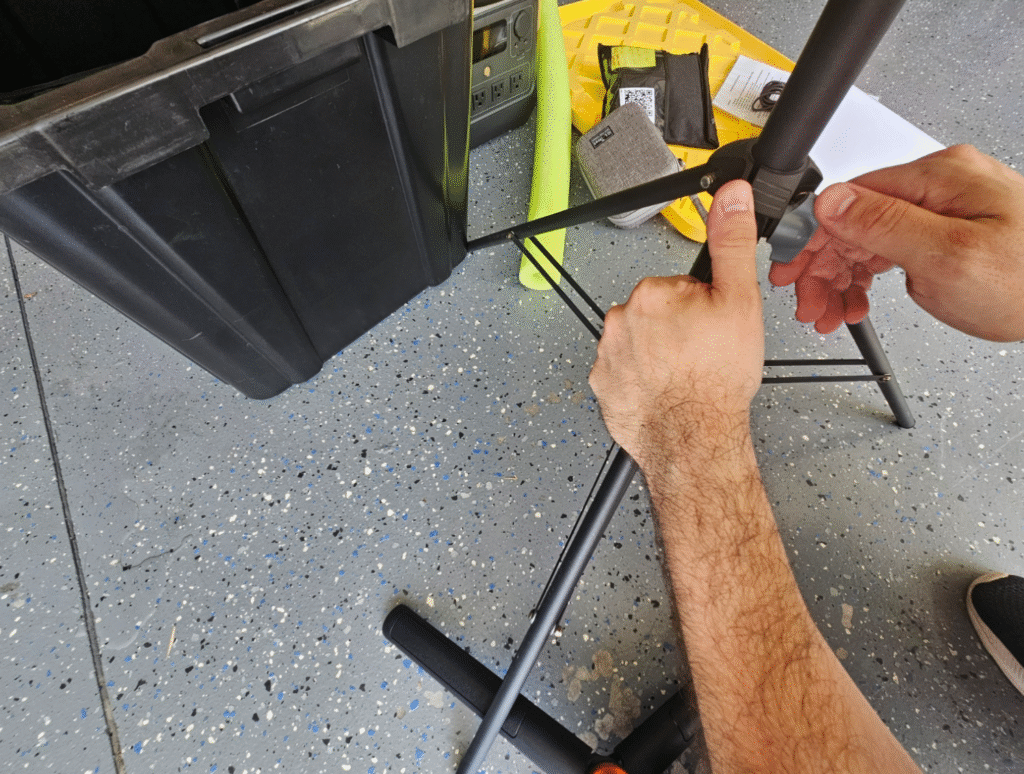
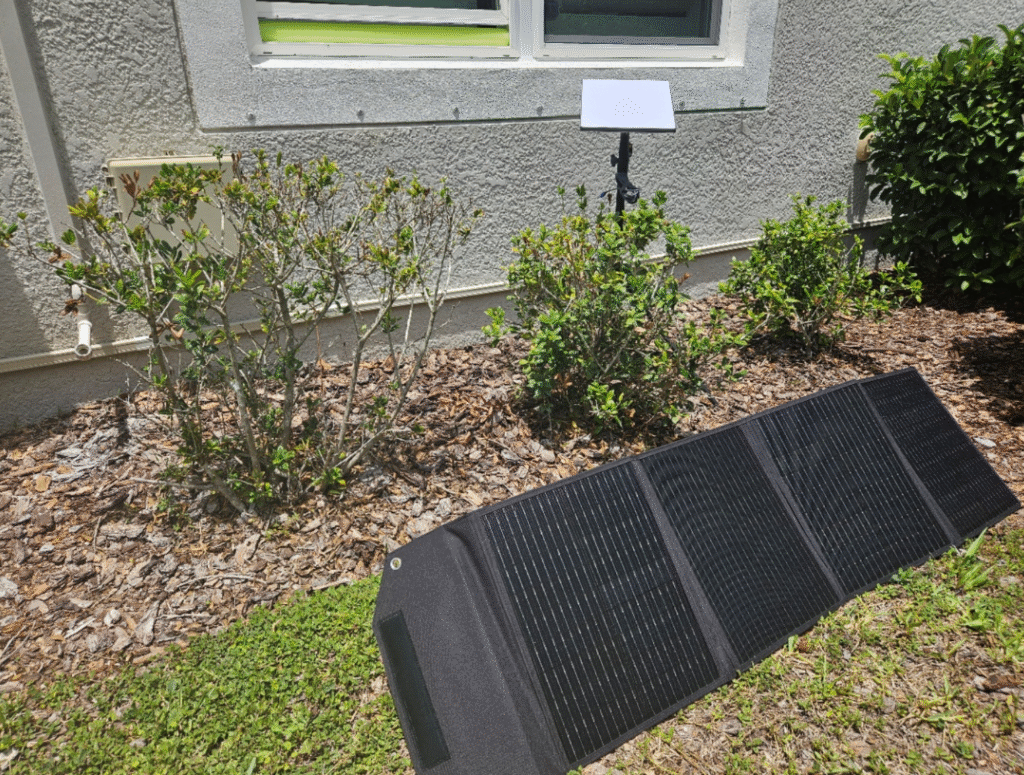
Set the SOLAR PANEL under the sun
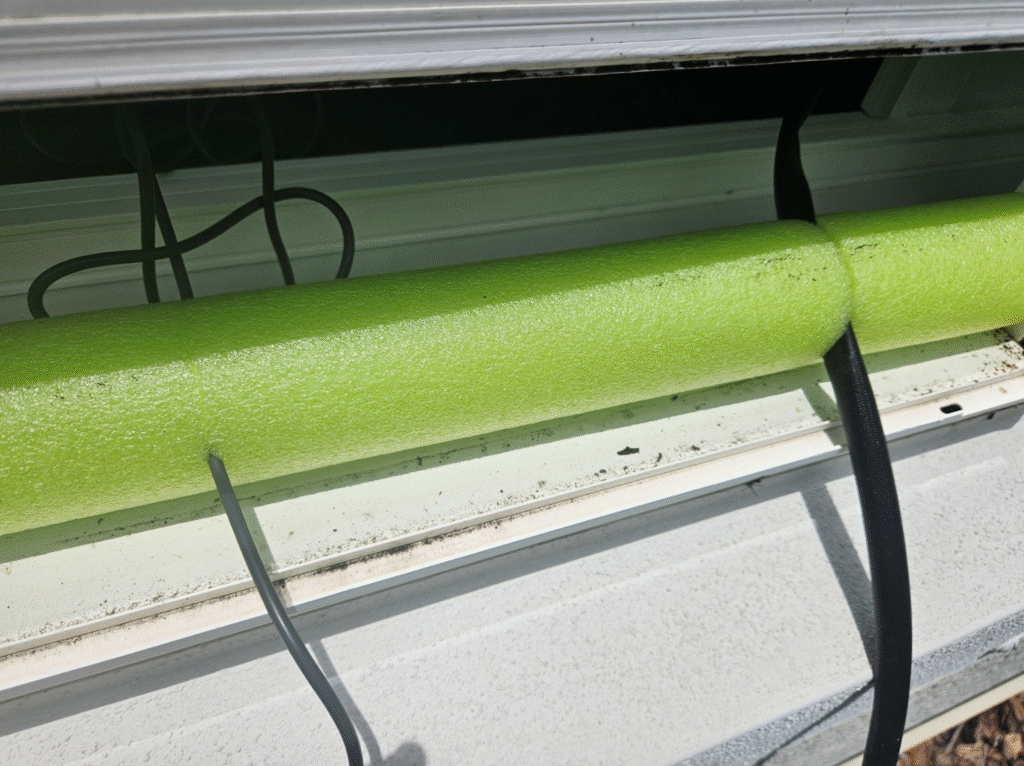
Set the power station close to a window, on a table or chair preferably. Don’t turn it on yet. Pass the black cable with YELLOW connectors extension cord and the grey with BLUE connectors cables through the open window.
Use the foam tubes on the bottom of the window to close as much as possible without adding any pressure to the cables. Use the lockers to lock the window in place if needed.
The gray cable with BLUE connectors can be connected to the power station’s USB-C Port in FRONT of the unit and the YELLOW connectors cable can be connected to the solar panel fixed GREEN connectors cable coming from the solar panel (MC4 Standard) and the other side (XT60 Standard) to the BACK of the power station.
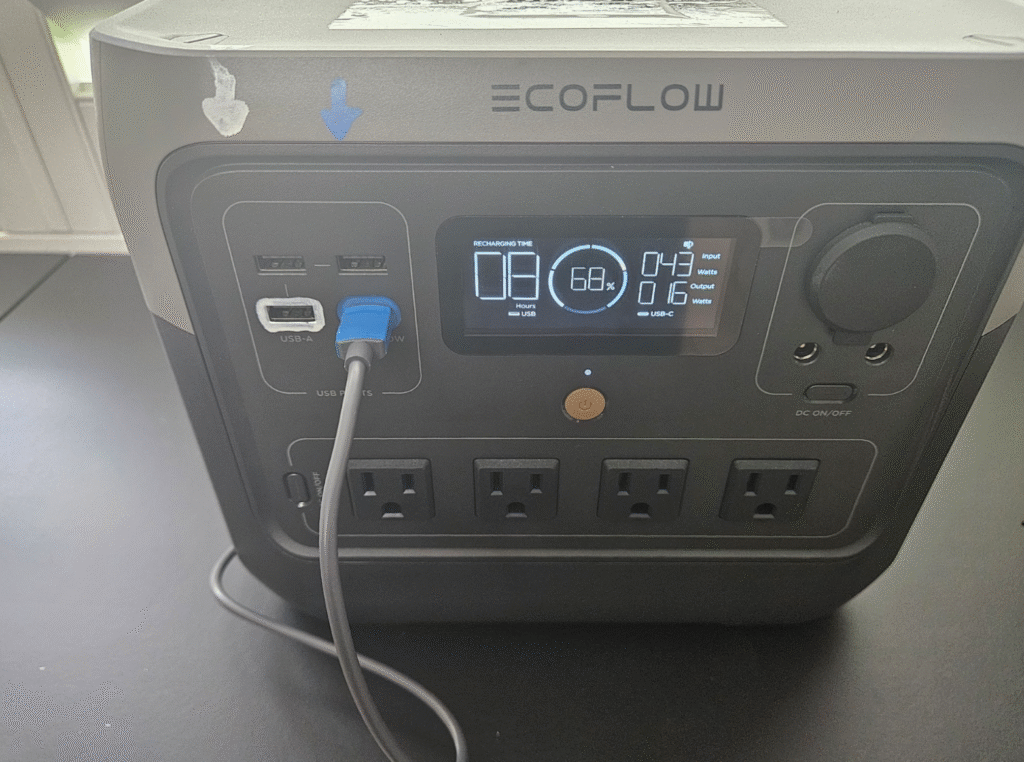
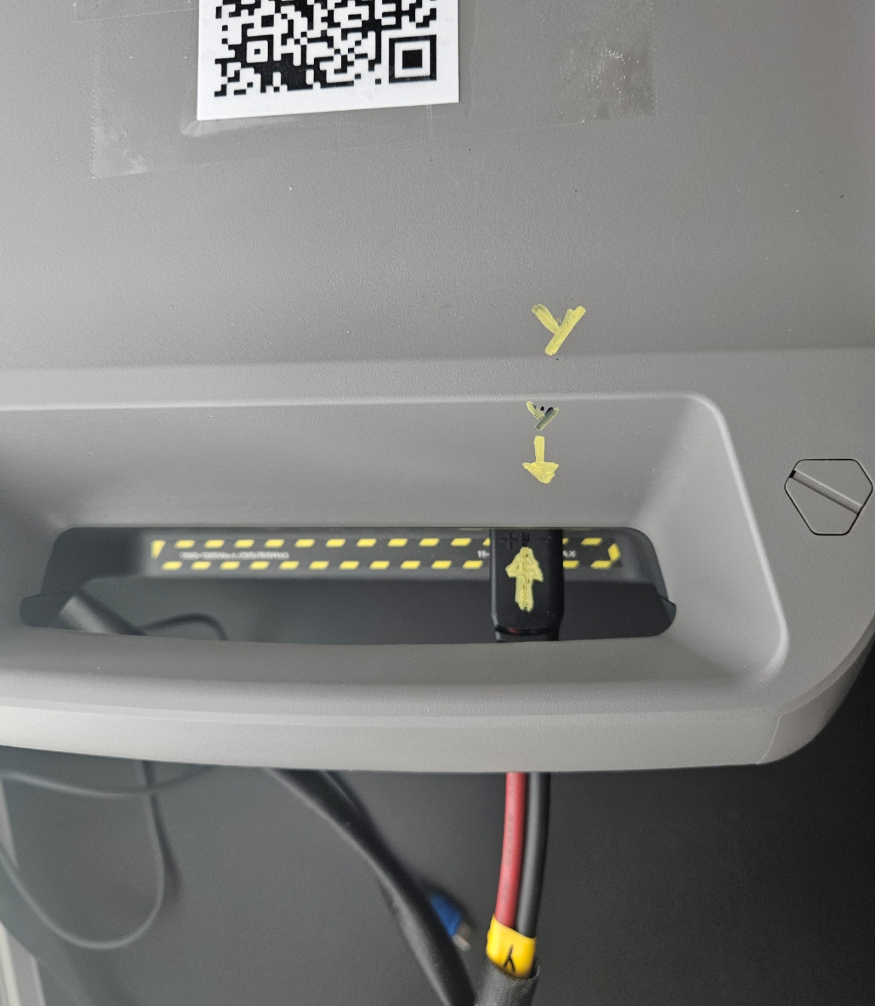
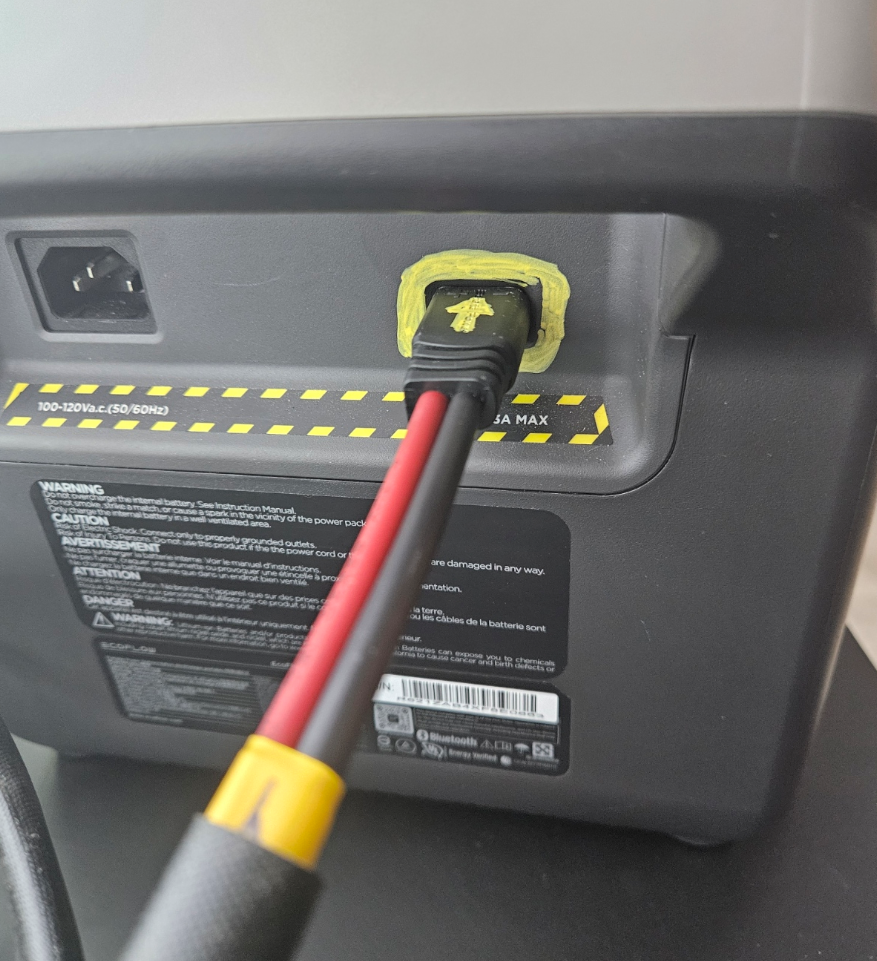
Turn on the Power Station by pressing the center button under the power station’s display. The Display should light up and display the % remaining. The Star Link ON/OFF Indicator LED will also light up blue.
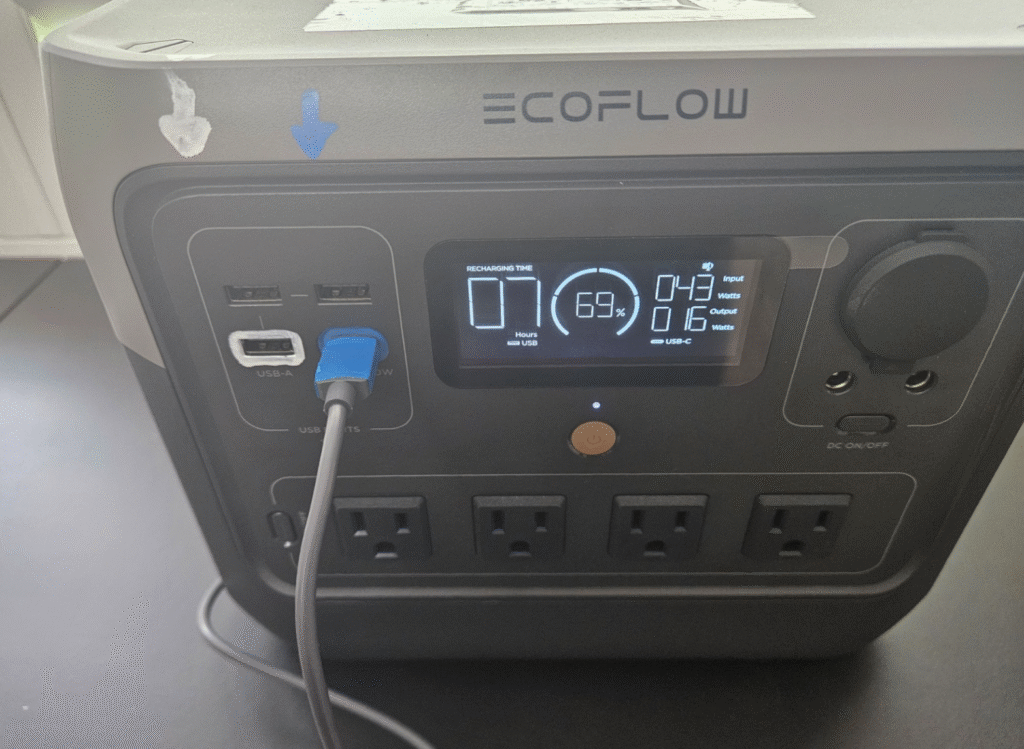
Scan the QR code on top of the POWER STATION with your phone’s camera and the phone will connect automatically. If it doesn’t, just open the network connections and look up the network and input the password to connect. It takes 5 to 10 minutes to connect.
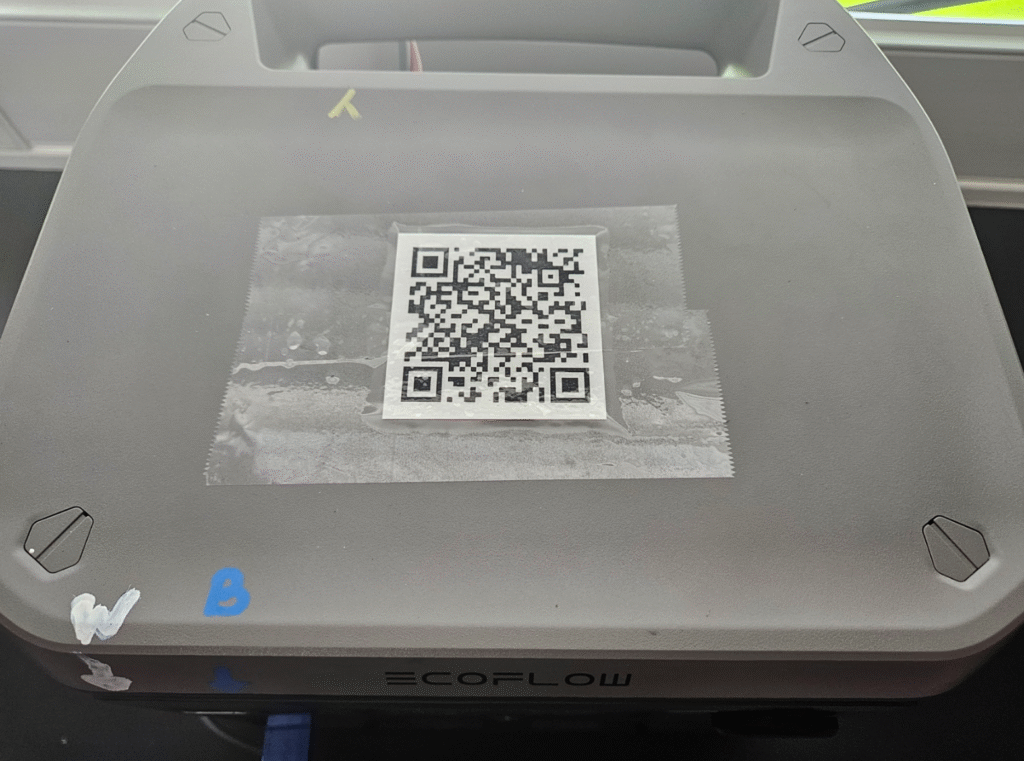
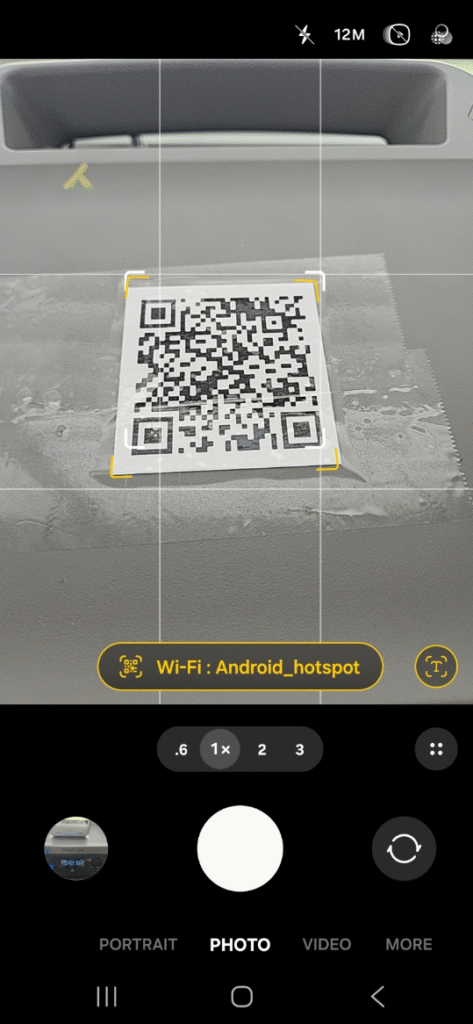
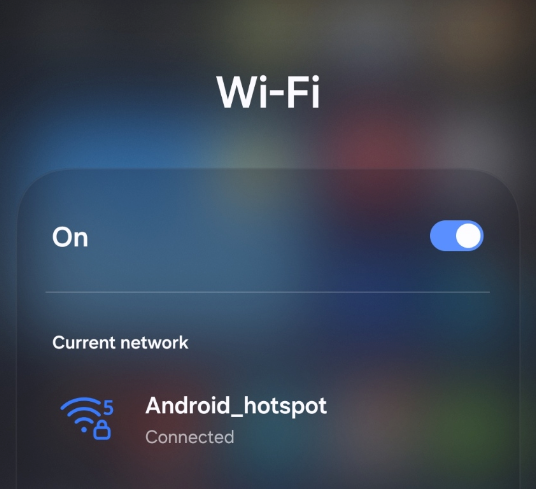
NETWORK: Android_hotspot
PASSWORD: StarLink
*This network name discourages people that you don’t know to use it.
Optional steps (IF the Signal quality needs improvement inside the building)
Connect the white USB-A to USB-C (W) cable from one of the USB-A ports of the Power Station (Marked in White) and the other side of the cable to the back of the Router/Repeater. You should be able to see a secondary network named like the below and connect. Option is to use the QR Code on top of the Router/Repeater/Hotspot
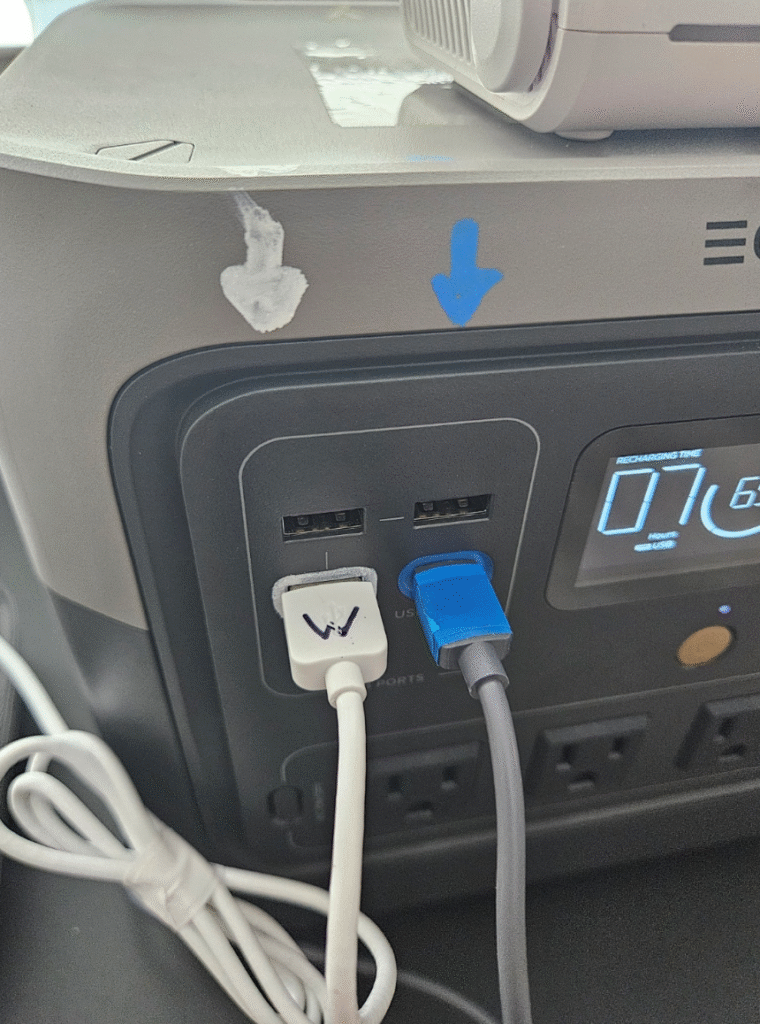
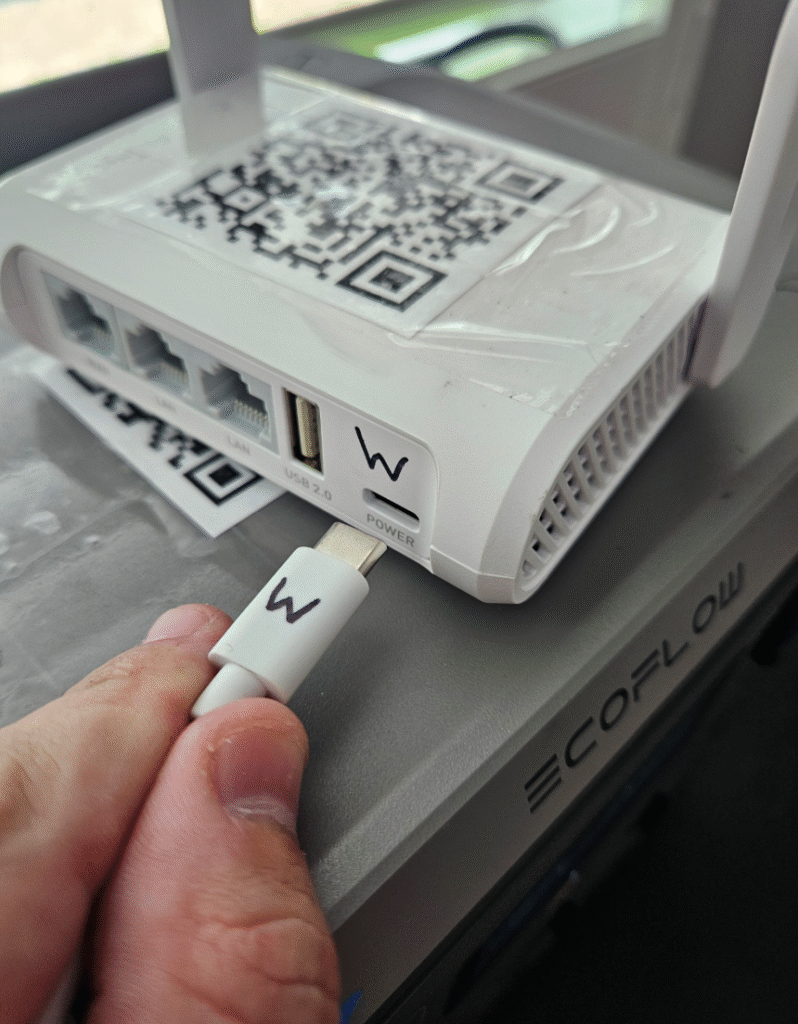
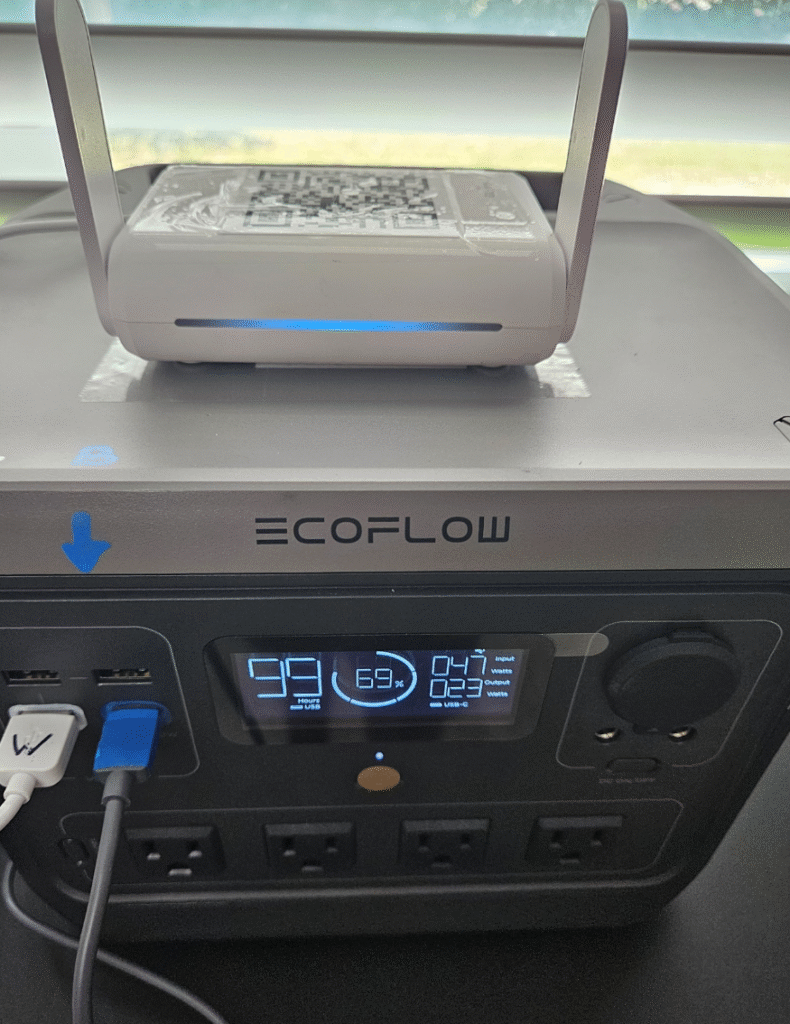
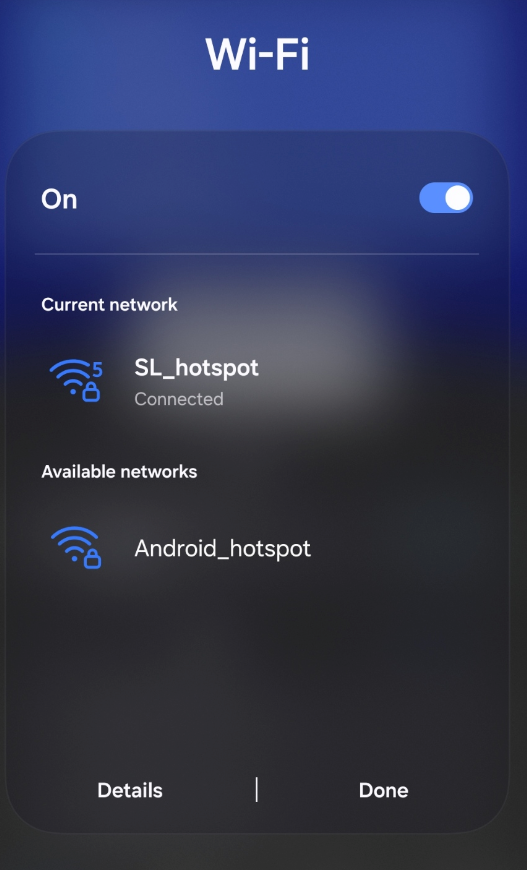
NETWORK: SL_hotspot
PASSWORD: StarLink
*IF your devices are connecting well to the Starlink Antenna built-in router/network (Android_hotspot), don’t turn on the Router/Repeater/ Hotspot because it uses extra power to work.
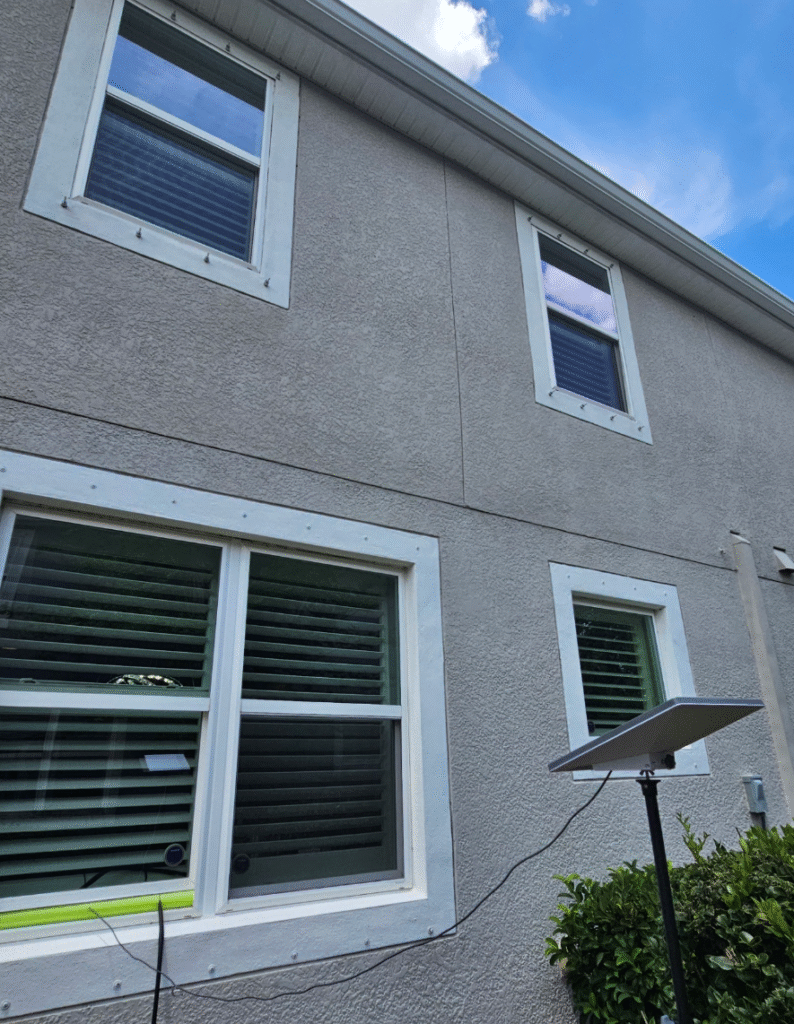
Before aligning:
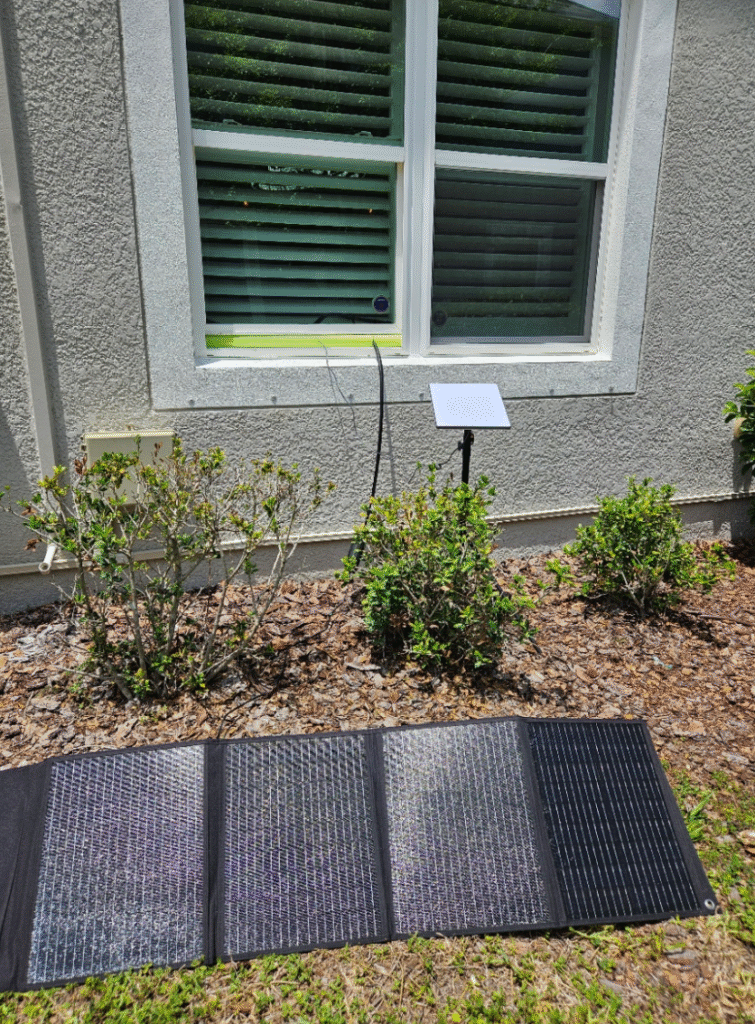
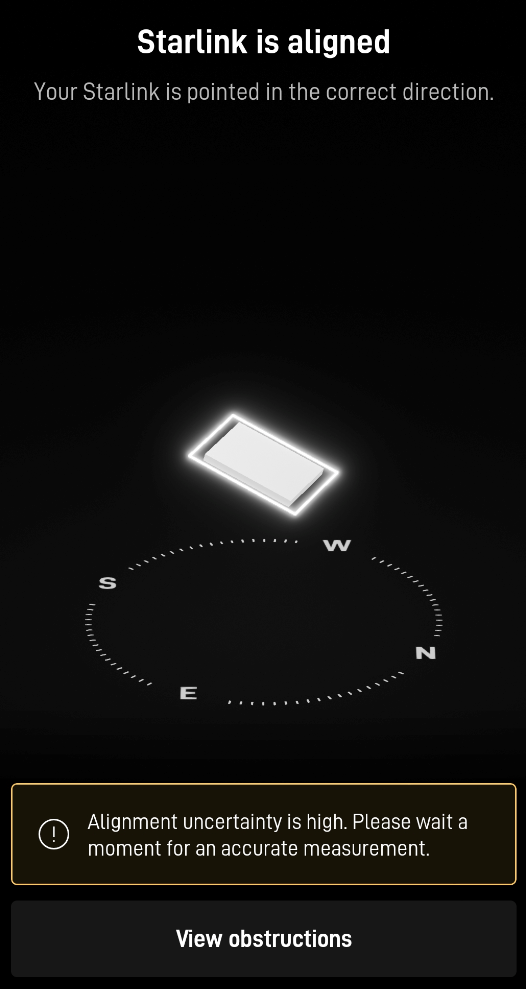
After aligning solar panel and Starlink:
TIPS:
- Download the Starlink app in advance and test the full setup.
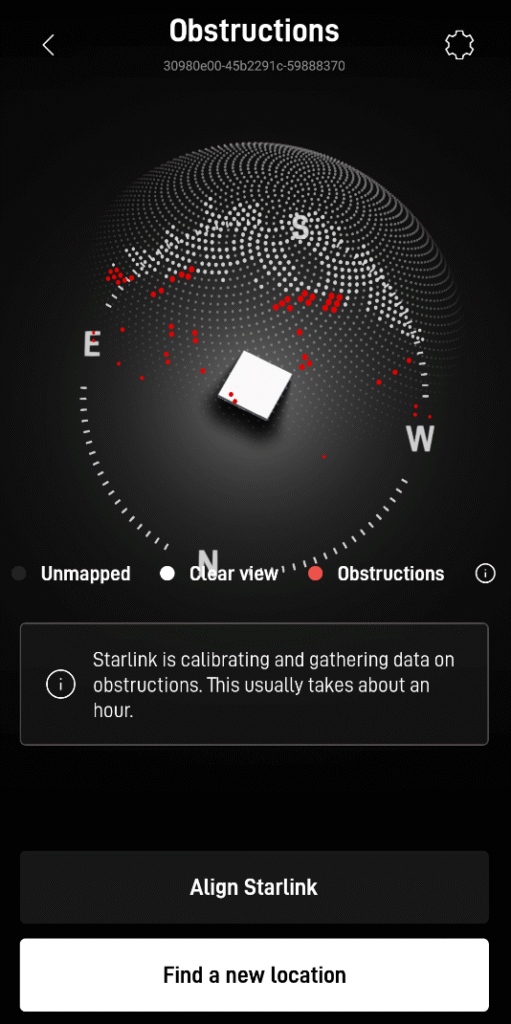
- Use the Starlink app to fine-tune and check obstructions for best performance.
- Clear view of sky (110°+ unobstructed) is critical.
- Tripod stability in wind: Add weights to the bottom of the tripod.
- Firmware Updates are necessary via the app.
- Use the other 2 USB-A ports available in the Power Station to charge your phone and other devices.
- Store the kit inside the house, away from humidity and harsh temperatures.
- Ecoflow stations pair well, but runtime depends on battery size, solar input, weather, and usage, monitoring the display for consumption is helpful.
- Risk of electrical shock so
IMPORTANT: Practice periodically the use of the equipment. Follow the user’s instructions from each equipment’s manufacturer. This manual’s information should never be prioritized vs the manufacturer’s instructions.
Recommendations to Make It Even Safer
Disconnect solar first in rain or when adjusting.
Inspect cables/connectors regularly for damage, fraying, or corrosion.
Keep the power station indoors and dry.
Add a DC disconnect switch or breaker on the solar line if you expand the setup (optional for small foldable panels).
Avoid touching metal connectors with wet hands.
In Florida (humid/thunderstorms), bring the solar panel inside during bad weather if possible.
Test the full kit in good weather first.
D U N – Done!